
Quick start
Get going in two minutes.
Mellowtask is simple on purpose. Three moves cover almost everything you'll do: Dump it in. Stack it. Finish it.
Step 1
Dump it in.
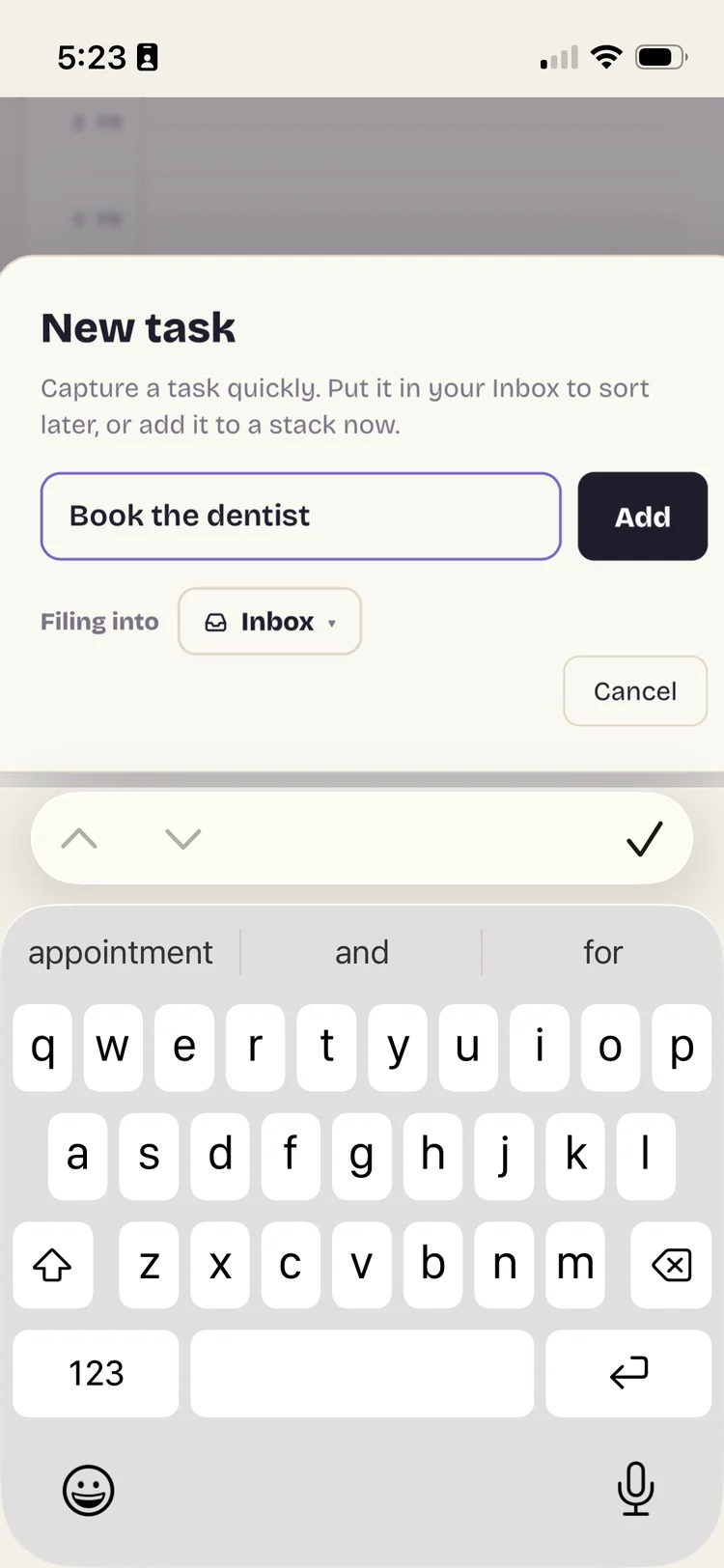
Tap the + button and type whatever is on your mind. Each thought lands in your Inbox as a block, ready to sort whenever you're ready. You never have to decide where something belongs just to get it out of your head.
Step 2
Stack it.
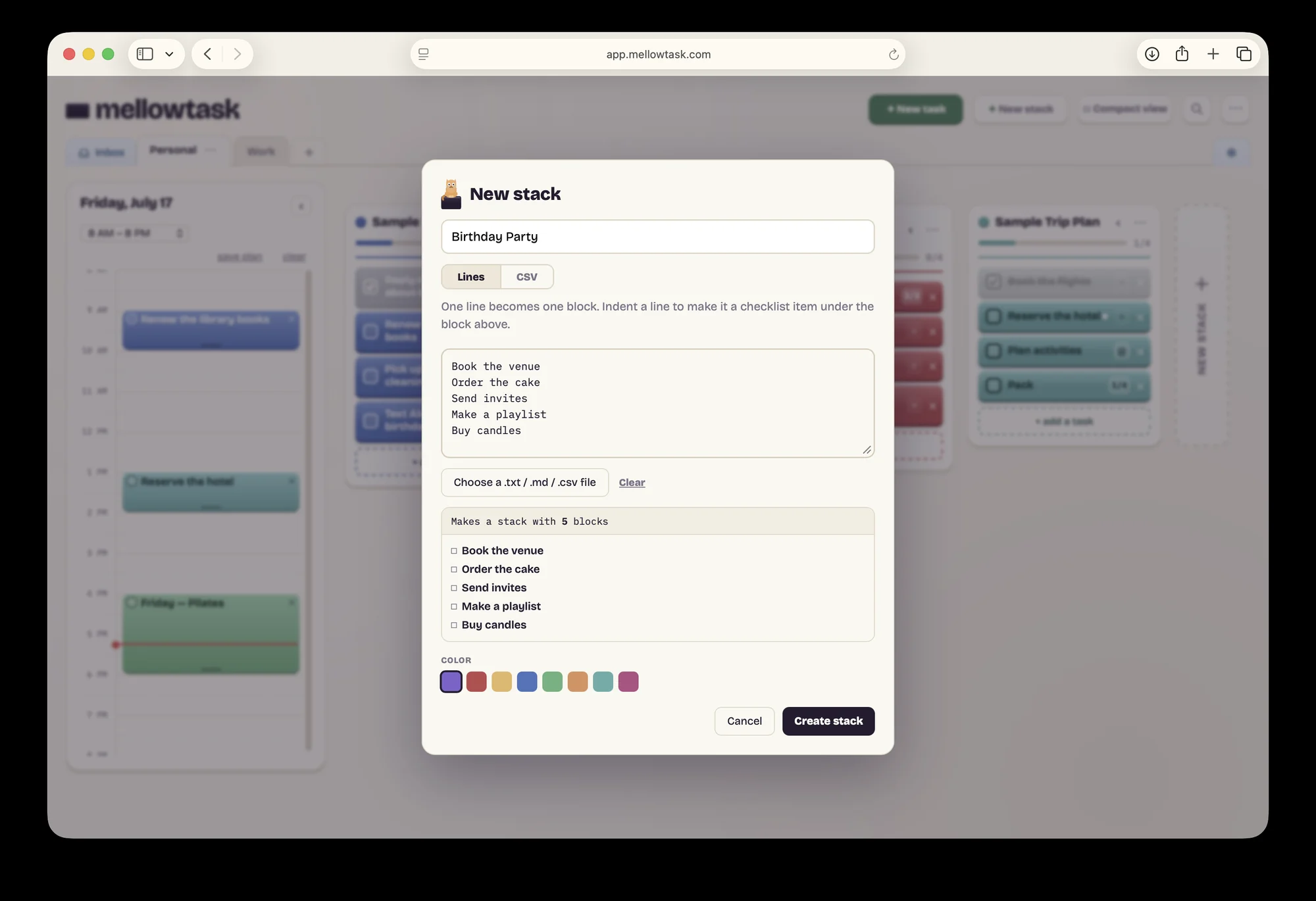
A stack is a group of blocks, one stack per project. Tap New stack, name it, and type your tasks one per line.
Already keep a to-do list somewhere else? Paste it straight in. Each line becomes its own block. You can also choose a file, including a CSV export from apps like Todoist or Apple Reminders.
From the Inbox, you can move any block into a stack, or turn it into a brand new one.
If you like to schedule things
Give it a place in your day.
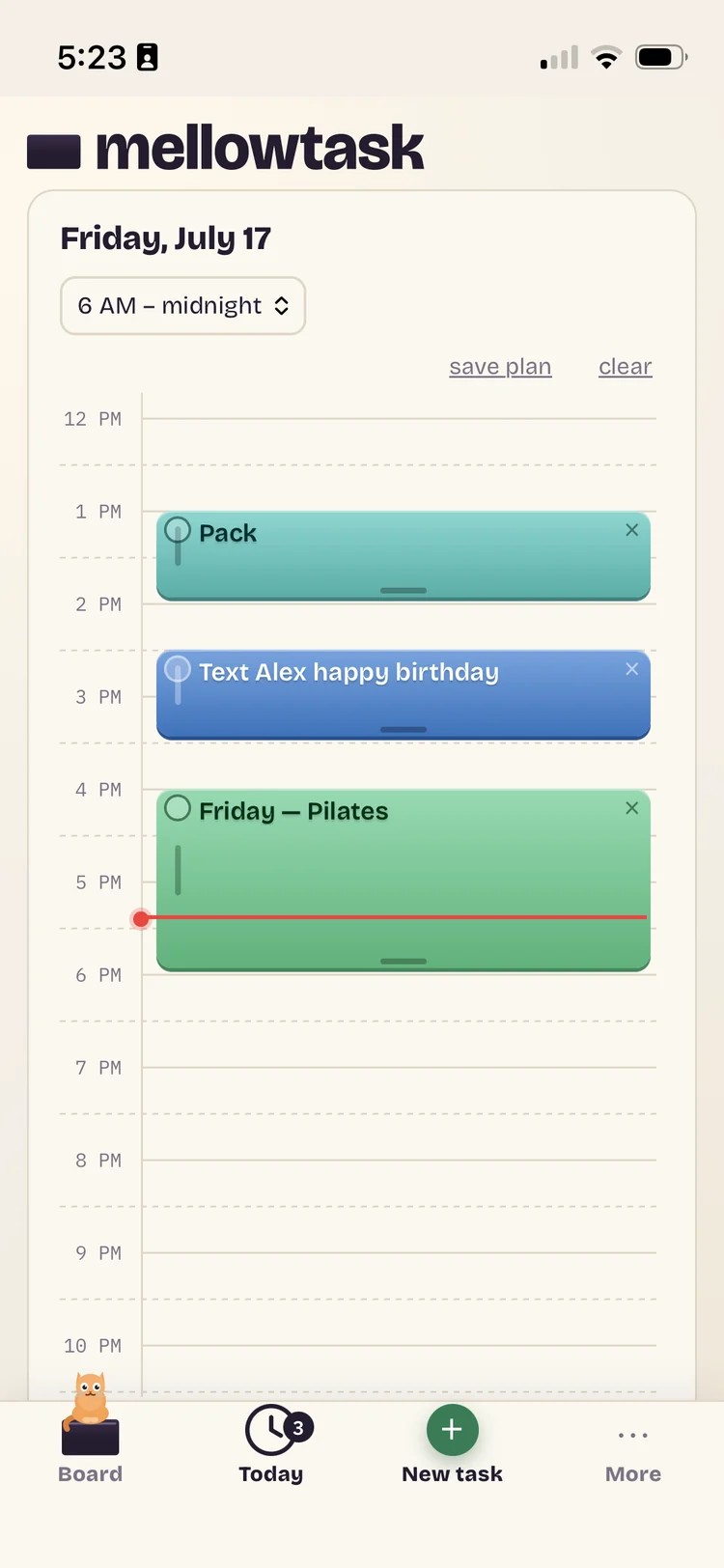
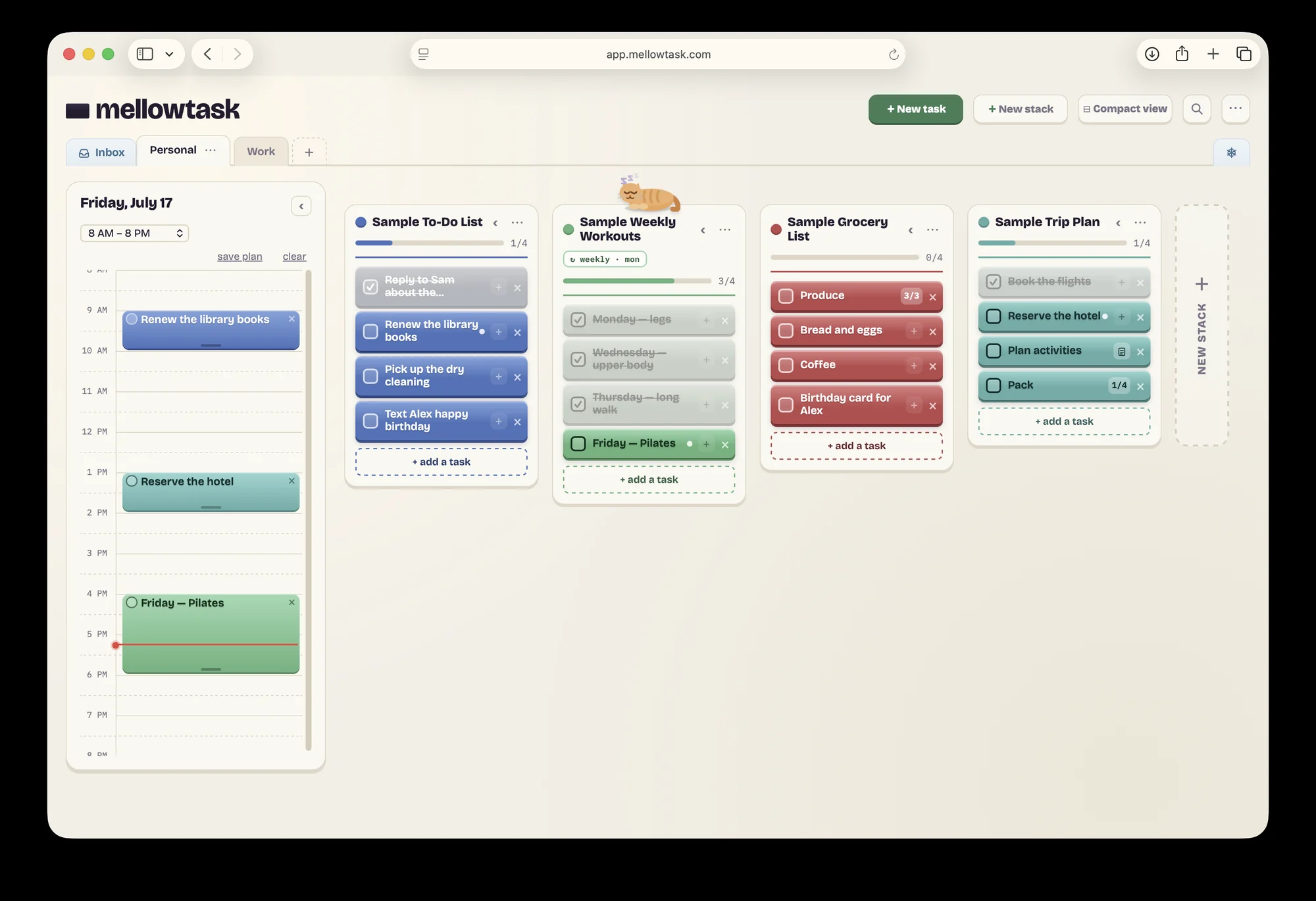
Want to plan your day? A stack tells you what's on your plate. The timeline tells you when you'll actually do it.
On a computer, drag a block from any stack onto the timeline, then stretch it to the time you need.
On your phone, tap a block and choose "+ Add to Today." It drops into the next open slot.
Your board holds everything. Today holds just what you picked.
Think of the timeline as a bonus feature. Skip it entirely and Mellowtask still works. The timeline is there for you when your day needs shape.
Step 3
Finish it.
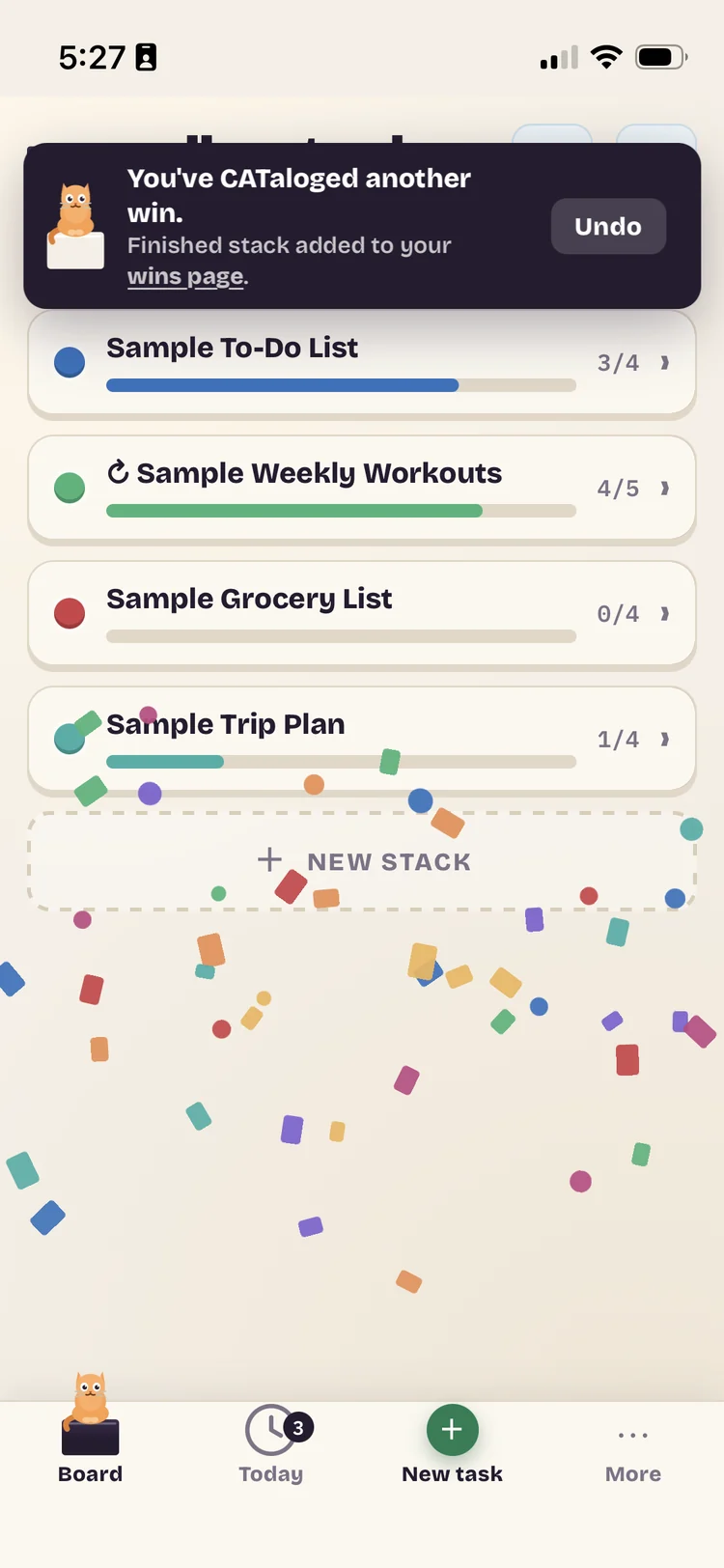
Check off blocks as you go. When a stack is done, complete it. A little celebration plays, and the win is saved on your Wins page for good. Celebrate done.
Want to look around first?
A fresh board offers sample stacks. Load them, poke at everything, and clear them in one tap when you're done.
Optional
Keep it a tap away.
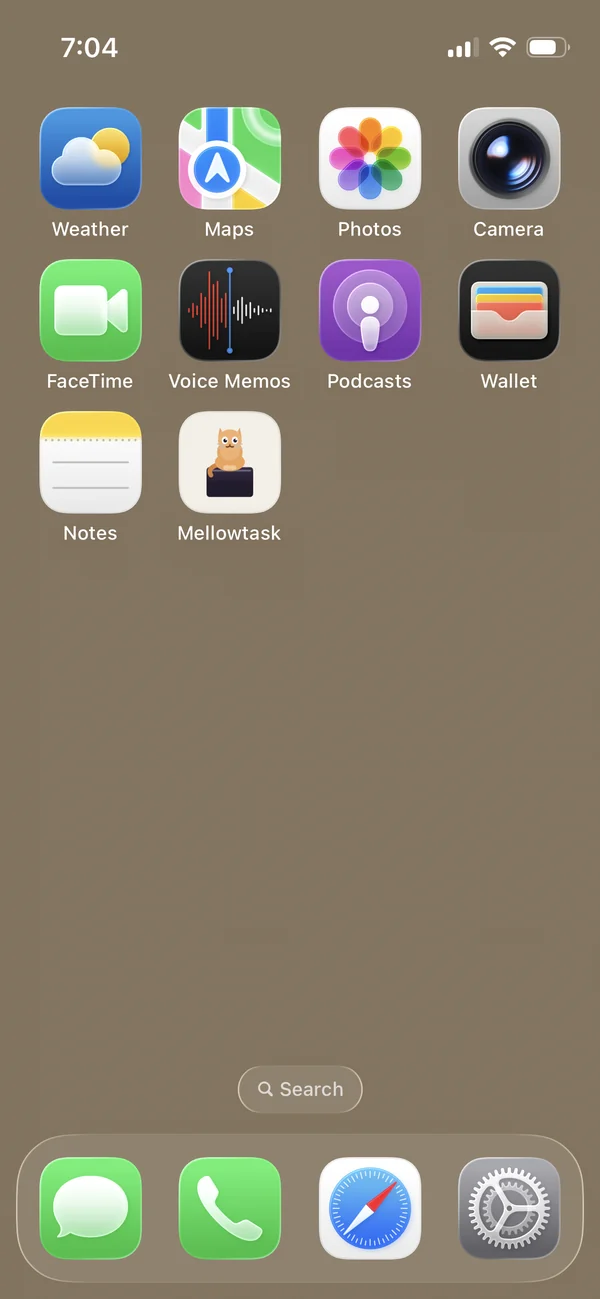
Add Mellowtask to your home screen or dock and it opens like an app, one tap from your board.
- iPhone: in Safari, tap Share, then "Add to Home Screen."
- Android: in Chrome, tap the menu, then "Add to Home screen."
- Computer: in Chrome or Edge, click the install icon at the right end of the address bar. In Safari on a Mac, choose File, then "Add to Dock."
- Or keep it simple and bookmark it: Cmd+D on a Mac, Ctrl+D on Windows.
That's the whole quick start. Blocks, stacks, and your day, all in one calm place.
Go from chaos to calm